



Fraud Analysis

Detect fraud invisible to the naked eye.

Analyse your documents via API as soon as they arrive. Identify their risk level and receive alerts to prioritise the documents that need review.

Request a demo

Identify high-risk documents
as soon as they arrive.

  1. Detect signs of manipulation

    Identify traces of document creation or editing software, structural anomalies and AI-generated content to spot suspicious documents.

  2. Check information for consistency

    Spot inconsistencies in document metadata and content: dates, amounts, identities or calculations. Highlight discrepancies that need review.

  3. Benefit from collective intelligence

    Get an alert when a document previously flagged as high risk is submitted again, including by another organisation using Finovox. Its digital fingerprint makes it recognisable, without storing the document.

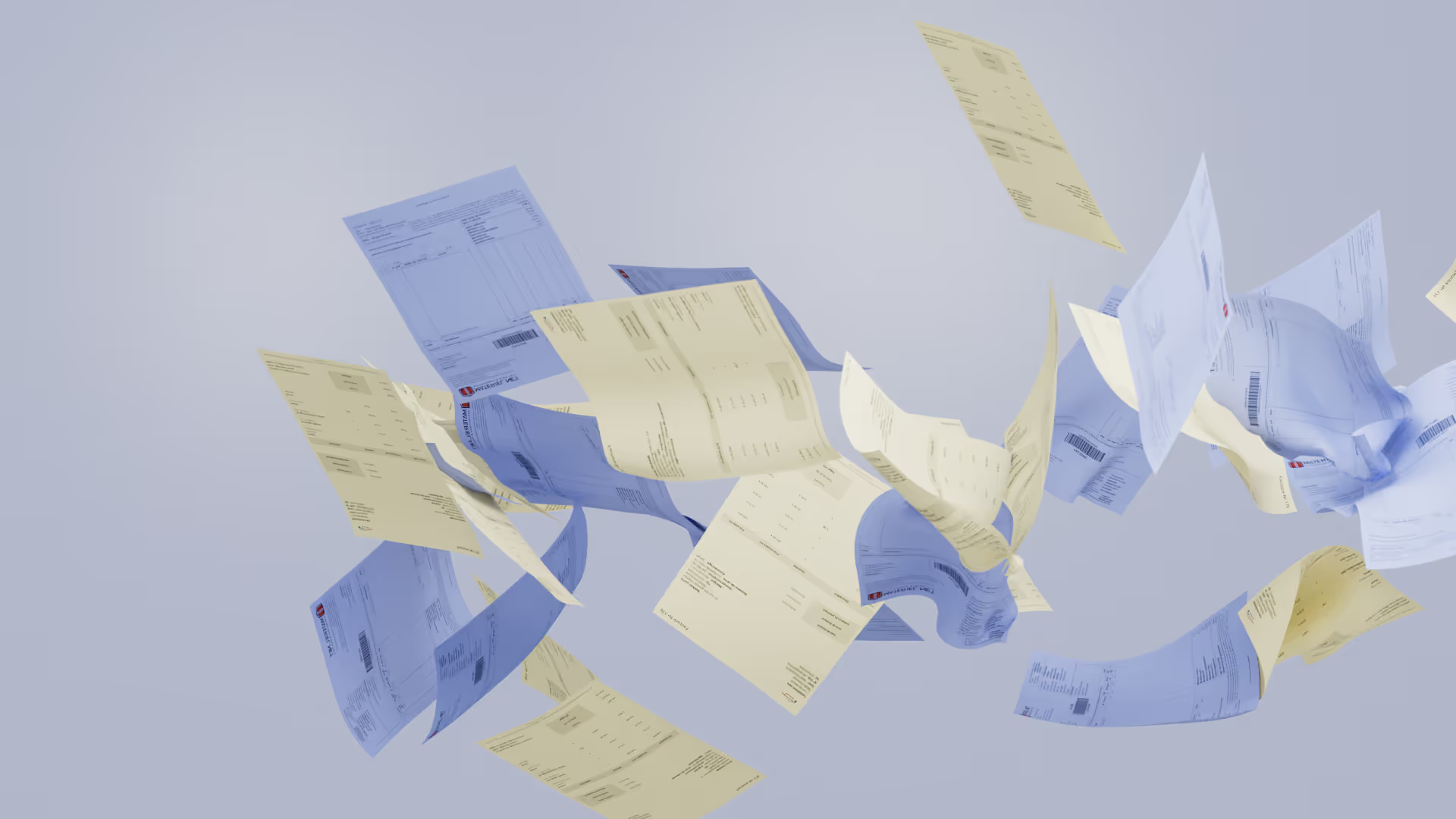
Illustration of a payslip flagged as high risk and requiring review.

Look beyond appearances

Spot signs of manipulation and hidden inconsistencies in your documents.

Request a demo

Fraud analysis integrated
into your document workflow

Fraud Analysis integrates into your document workflow via API.

Your system sends documents to the Finovox API as soon as they arrive.
Three areas of analysis: digital integrity, consistency and reuse.
A high-risk document is singled out in the document workflow and an alert is sent.

Identify the different
forms of document fraud

An altered amount, covered text or a reused supporting document: explore examples of manipulation and inconsistencies that the analysis can flag.

Visual alterations

An altered amount on an invoice, a replaced signature or an erased element on a supporting document can leave signs of manipulation.

Hidden or overlaid text

A new value placed over the original amount, or a block of text added to hide the beneficiary’s name and change how the document is read.

Reconstructed documents

A supporting document assembled from multiple sources, with a header taken from one document and information added from another.

AI-generated content

An invoice created by AI or an image of a supporting document altered using a generative tool can show signs detectable through analysis.

Reused documents

An invoice previously flagged as high risk by an insurer is submitted to a bank using Finovox: its digital fingerprint allows it to be recognised and an alert to be triggered.

Semantic inconsistencies

A total that does not match the itemised amounts, incompatible dates or conflicting identities within the same document.

Fraud analysis tailored
to each business workflow

Fraud Analysis detects signs of manipulation in your documents and explains alerts to guide your teams at every stage of the process.

Onboarding & KYC

Detect fraud
from the start of the relationship

Analyse identity documents and supporting documents as soon as they arrive. Spot alterations, overlaid text and reused documents to route suspicious cases to your teams.


Learn more

Claims

Spot anomalies
before settling claims

Examine invoices, quotes and supporting claim documents. Identify altered amounts, reconstructed documents and inconsistencies to review before settling the claim.

Learn more

Financing

Analyse supporting documents
before providing financing

Analyse payslips, bank statements and balance sheets. Highlight signs of falsification and income inconsistencies to inform the assessment of the application.

Learn more

Go further

Risk identified?
Move on to investigation.

Fraud Analysis alerts you to high-risk documents via API. To analyse them in greater depth, your teams can use the Case Investigation tools on the Finovox platform.

  1. 01 / Prepare

    Document
    Processing

    Automate document splitting, classification and data extraction to feed your systems and checks.

    Learn more
  2. 02 / Validate

    Document
    Validation

    Check documents against your eligibility criteria and business rules by comparing them with your internal and external reference data.

    Learn more
  3. 03 / Detect

    Fraud
    Analysis

    Identify signs of fraud and the risk level of each document. Receive alerts to isolate documents that need review.

  4. 04 / Investigate

    Case
    Investigation

    Locate anomalies and examine the software used and the document’s history. Support your decision and share your findings in a report.

    Investigate further

What our customers say

“We’re delighted to work with Finovox. Their solution is grounded in strong technological expertise, helping us strengthen our analyses and go beyond gut feeling. We also really value the quality of their client support, driven by a continuous improvement mindset.”
Marine Monneret
“Finovox makes case investigations much easier for the Bouygues Telecom group. Thanks to its real-time response, we can close cases faster, effectively doubling our efficiency. It’s a valuable tool for decision-making during the onboarding process.”"Finovox facilite grandement l’investigation des dossiers pour le groupe Bouygues Telecom. Grâce à sa réponse en temps réel, nous sommes capables de conclure un dossier plus rapidement, ce qui nous permet de doubler notre efficacité. Finovox est une aide précieuse dans la prise de décision lors des souscriptions."
Raliatou Diouf
“PwC France is very pleased with its collaboration with Finovox. The availability and responsiveness of our point of contact have been outstanding, making our work much easier. The tool has proven effective in detecting and reporting document fraud, contributing to the success of our forensic engagements.”
Dorian Prévost
“Finovox plays an active role in detecting fraudulent documents through a range of consistent indicators. It has become an essential part of iCover’s toolkit.”
Antoine Andrieu
“Finovox’s solution automates fraud detection, greatly simplifying the process. It presents verification results clearly, making decision-making easier. It also allows us to cross-check information with external sources like Pappers for deeper verification. Thanks to Finovox, we can anticipate and effectively prevent fraud attempts — a real asset for our industry.”
Karine Demonet
“Thanks to Finovox, we’ve achieved significant time savings. The tool has quickly gained strong traction internally, and we’re now considering rolling it out across all HP teams. When I detect fraud, the document history provided by Finovox helps me trace the document’s origin and, if needed, alert my counterparts in other companies.”
Elodie Foucher
“At MYM, protecting minors is a top priority. This partnership with Finovox enables us to do so in a concrete and reliable way, thanks to a high-performing French technology tailored to our needs. We’re proud to adopt a solution that goes beyond simple age verification.”
Gaspard Hafner
“Given the volume of documents to process, manual review is no longer enough. That’s why we’re pleased to offer our clients a solution like Finovox to support their marketing operations.”
Marjorie Rozey

Let’s discuss your challenges

Turn every document into an informed decision.

Discover how the Finovox Suite integrates into your workflows and meets your document verification needs.

  • Automate document processing
  • Apply your own business rules
  • Detect signs of document fraud
  • Base your decisions on concrete evidence

Trusted by

L’Olivier Assurance HP MetLife SPVIE Assurances

Talk to
our experts

Tell us about your project to discover what Finovox can do for you.

Frequently asked questions

Get to know how Finovox works behind the scenes…

What is Fraud Analysis?

Fraud Analysis is Finovox’s fraud analysis API. It examines the digital integrity and consistency of documents to identify signs of manipulation, falsification, reuse or AI generation. It identifies their risk level to guide your checks.

What is the difference between Document Validation and Fraud Analysis?

Document Validation checks whether a document meets your eligibility criteria and business rules. Fraud Analysis looks for signs of fraud. A document can meet your requirements while having been manipulated, or be authentic but ineligible for your process.

What types of fraud can be detected?

Finovox can identify signs of editing, hidden or overlaid text, reconstructed documents, AI-generated content, reused documents and semantic inconsistencies. These signals help assess risk; they do not, on their own, constitute a definitive finding of fraud.

Is Fraud Analysis an API or an interface?

Fraud Analysis integrates with your systems via API to analyse documents as close as possible to the point of receipt and return the results. In-depth investigation then takes place on the Finovox platform with Case Investigation: locating anomalies, examining the software used and document history, and generating reports.

Does Finovox detect AI-generated documents?

Yes. Finovox looks for markers that help identify documents or images generated or altered by artificial intelligence. The R&D team monitors new fraud techniques to keep improving these analyses.

What do our teams receive after the analysis?

The API sends the risk level of each document and the associated alerts to your systems. You can then isolate flagged documents within your document workflow and prioritise those that need review. In-depth analysis continues in Case Investigation.

Does Finovox decide whether a document is fraudulent?

Finovox assesses risk and flags suspicious elements to help you decide. Your teams review these results and choose what happens next. The final decision to accept, reject or investigate further remains with your organisation.

How can we access a flagged document?

With an API integration, a unique sharing link lets you open the document in Finovox. With Case Investigation, your teams can examine anomalies, view the document’s history and share their findings in a report.